
Service Area & Geofence
Last updated: 2026-04-12
This guide covers setting up your service area for home visit services.
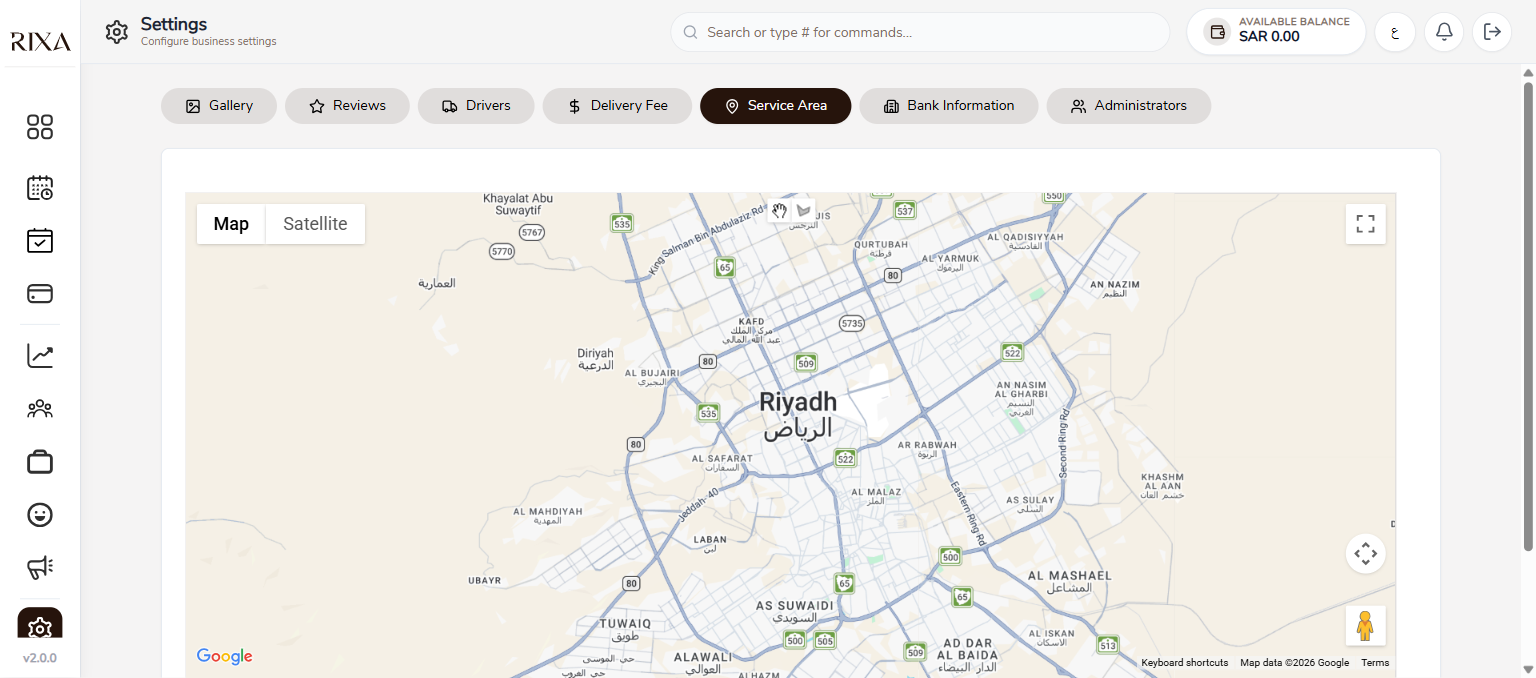
Map Coverage
Your service area defines where you offer home visits. Only customers within this area will see you when searching for home visit providers.
Drawing Your Boundaries
In the backoffice, go to Service Area settings. You will see a map where you can draw a polygon to define your coverage. Tap points on the map to outline the area you serve.
Updating Your Area
You can adjust your service area at any time. Drag the polygon points to expand or shrink your coverage. Changes take effect immediately.
Impact on Bookings
Customers outside your geofence will not see your home visit services. They can still book salon visit services if you offer those. Make sure your area is large enough to capture your target market but realistic for your team to cover.