
Offers & Promotions
Last updated: 2026-04-12
This guide covers creating offers to attract customers and boost bookings.
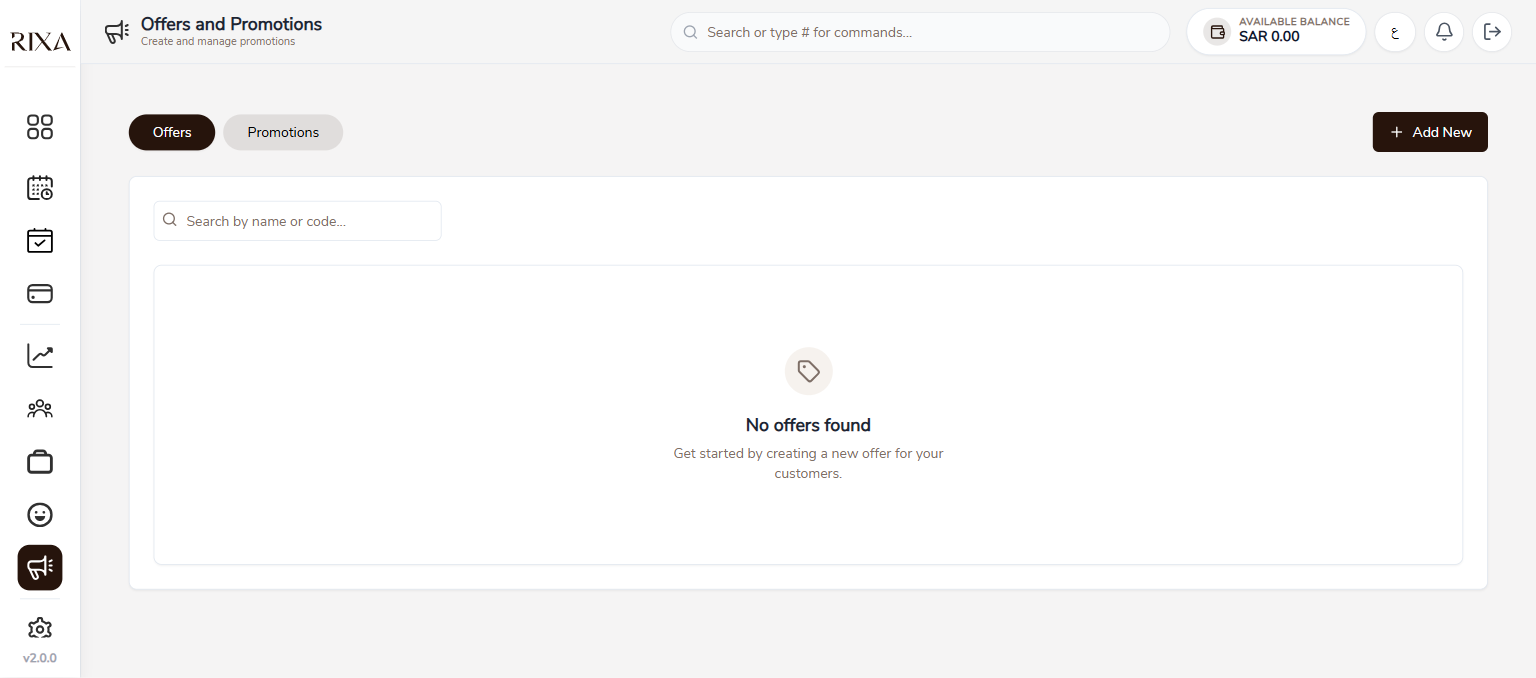
Creating an Offer
Go to Offers in your app or backoffice and tap Create Offer. Give it a name that customers will see.
Discount Types
You can set discounts as a percentage off or a fixed SAR amount off. Choose the type that works best for the promotion you have in mind.
Validity Period
Set start and end dates for your offer. The offer will automatically activate and deactivate based on these dates.
Continuous vs Time-Window
A continuous offer runs all day during the validity period. A time-window offer only applies during specific hours, like a morning discount or evening special.
Per-User Limits
You can limit how many times each customer can use the offer. Setting a limit of one ensures each person only gets the discount once. Leave it unlimited for ongoing promotions.
Tracking Performance
View your offer's performance in the Offers section. You can see how many times it has been used, the total discount given, and the bookings it generated.