
Drivers
Last updated: 2026-04-12
If you offer home visit services, you can manage drivers who transport your staff to customer locations.
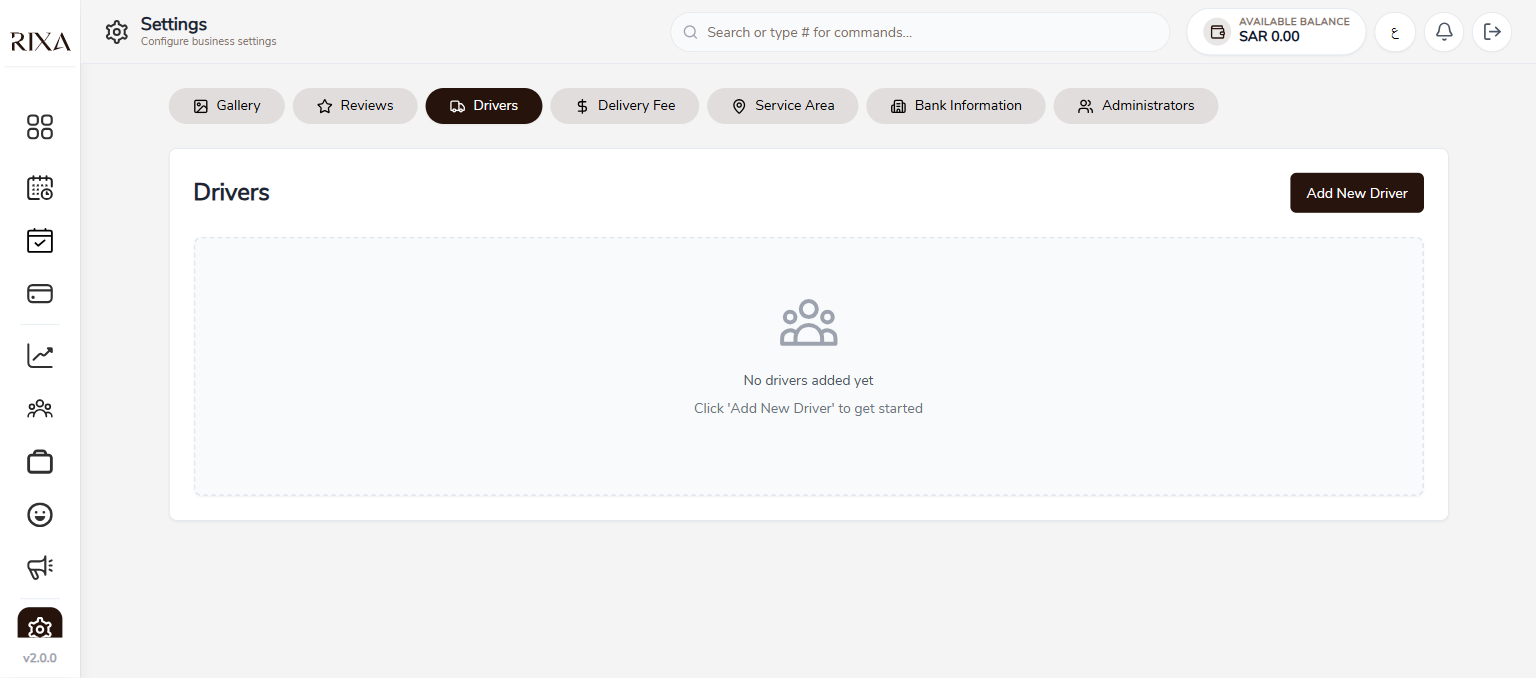
Adding a Driver
Go to Drivers in your app or backoffice and tap Add Driver. Enter the driver's name, phone number, and any vehicle details. The driver does not need a Rixa account.
Editing Driver Details
Tap on an existing driver to update their information. You can change their name, phone number, or other details at any time.
Assigning Drivers to Bookings
When you have a home visit booking, you can assign a driver from the booking details screen. Select the driver from your list and they will be associated with that booking.
Removing a Driver
If a driver is no longer working with you, open their profile and tap Remove. This removes them from your list but does not affect past booking records where they were assigned.