
Delivery Fees
Last updated: 2026-04-12
This guide explains how to configure delivery fees so customers pay fairly based on distance.
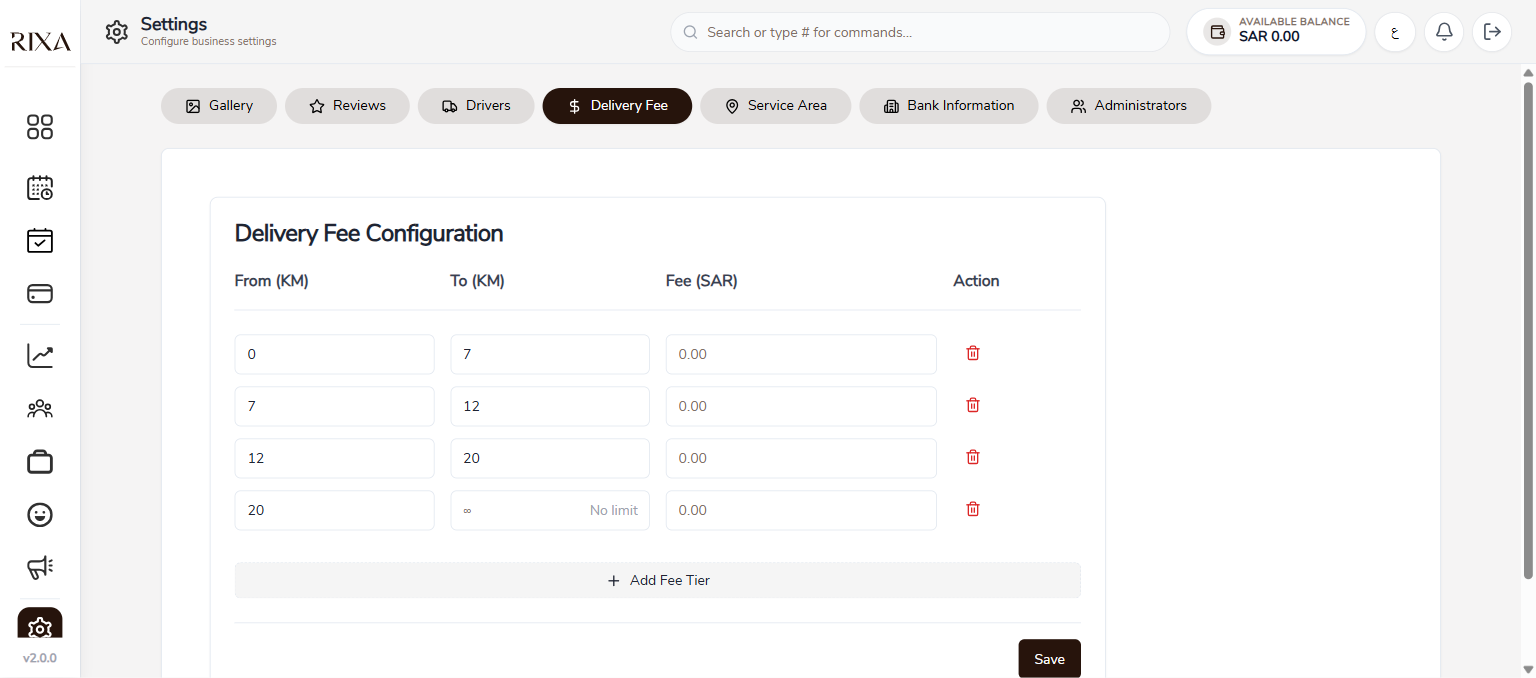
Distance Zones
Delivery fees are based on distance zones. Each zone covers a range of kilometers from your business location. You define the zones and set a price for each.
Setting Up Zones
Go to Delivery Fees in your settings. Tap Add Zone and set the kilometer range and fee. For example, you might set 0 to 5 km at 20 SAR, 5 to 10 km at 40 SAR, and 10 to 20 km at 60 SAR.
Pricing Tips
Keep your zones simple and easy to understand. Customers see the delivery fee before confirming their booking, so transparent pricing builds trust.
What the Customer Sees
When a customer books a home visit, the delivery fee is shown as a separate line item at checkout. It is added to the service total so they know the full cost before paying.