
Customer Management
Last updated: 2026-04-12
This guide covers managing your customer database within Rixa.
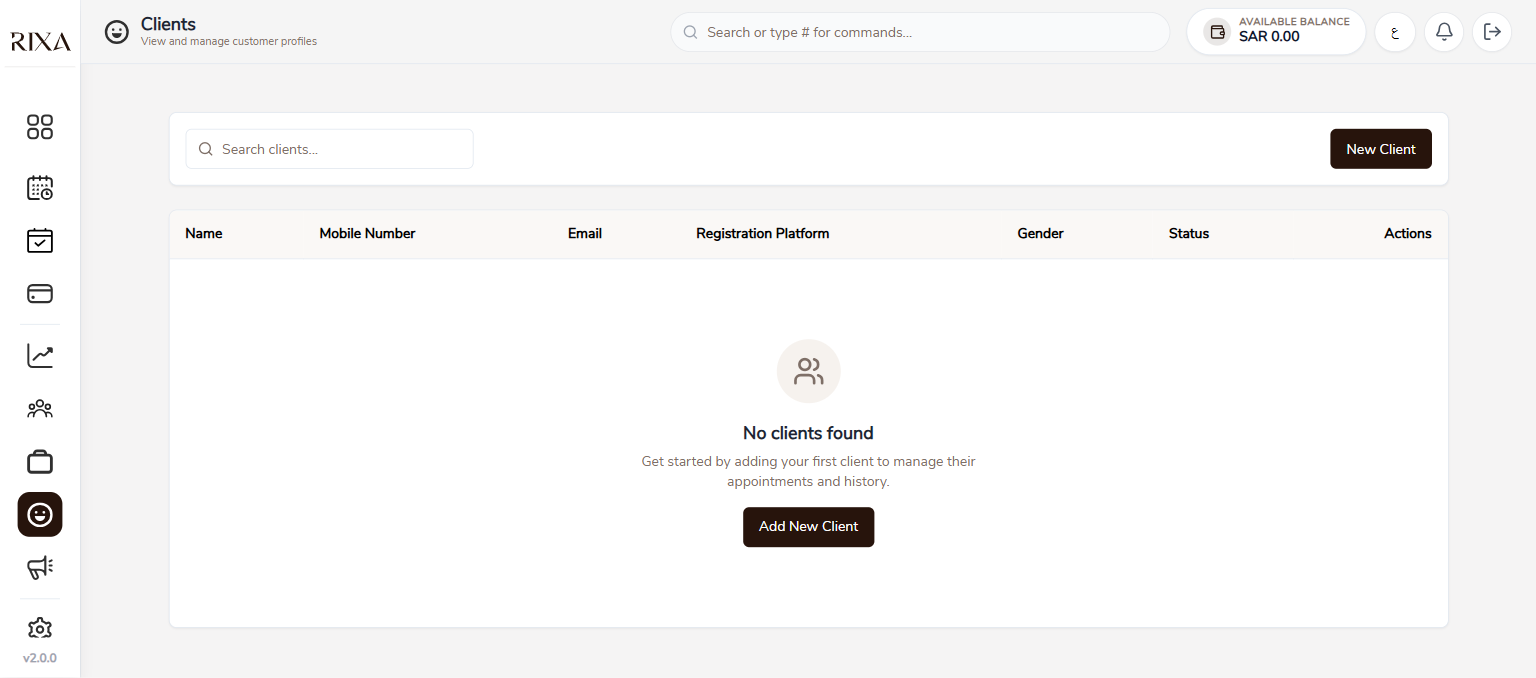
Customer List
Your customer list shows everyone who has booked with you. You can see their name, contact details, booking count, and total spend.
Searching Customers
Use the search bar to find customers by name or phone number. This is helpful when you need to pull up a specific person's details quickly.
Booking History
Tap on any customer to see their full booking history with you. This includes past services, dates, amounts, and review status.
Adding Customers Manually
You can add customers who are not yet in the system. Tap Add Customer, enter their name and phone number, and save. This is useful for walk-in clients you want to track.
Editing Customer Details
Tap on a customer and select Edit to update their information. You can change their name, phone number, or notes.
Blocking and Unblocking
If you need to prevent a customer from booking with you, select them and tap Block. They will not be able to make new bookings at your business. You can unblock them at any time by going to their profile and tapping Unblock.
Deleting a Customer
You can remove a customer from your list if needed. Note that this removes them from your local records but does not affect their Rixa account or booking history on the platform.