
Reviews & Ratings
Last updated: 2026-04-12
Reviews and ratings directly impact your visibility and bookings on Rixa. This guide helps you manage them effectively.
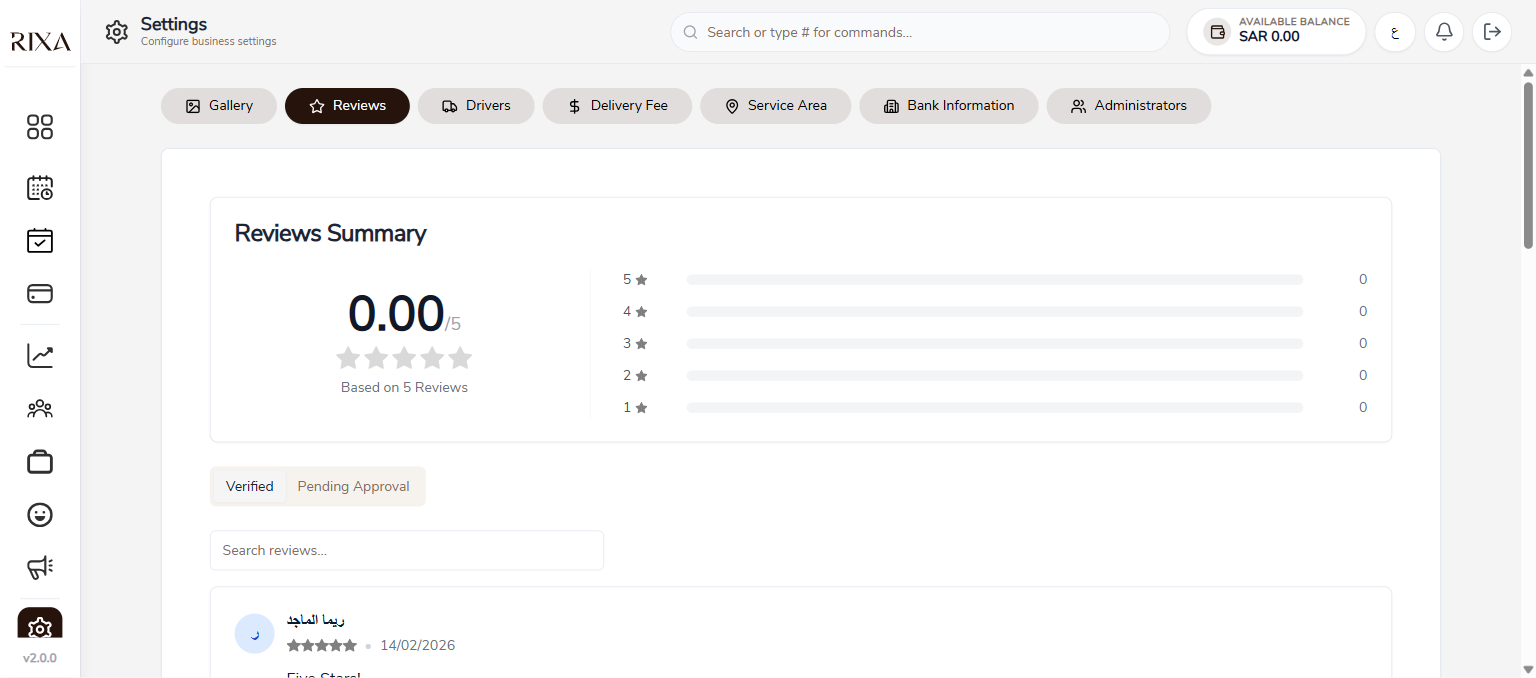
How Ratings Work
After a completed booking, customers can rate your service from 1 to 5 stars and leave a written review. Your overall rating is the average of all your reviews and is displayed on your profile.
Viewing Your Reviews
Go to Reviews in your app or backoffice to see all customer feedback. You can see the star rating, text, photos, and date for each review. Your overall stats including average rating and total review count are shown at the top.
Responding to Reviews
You can reply to any review. A thoughtful response shows you care about customer feedback. Thank positive reviewers and address concerns raised in critical reviews professionally.
Editing or Deleting Your Replies
If you need to update your response, you can edit or delete your reply at any time. Note that you can only manage your own replies, not the customer's review.
Tips for Improving Your Ratings
Deliver consistent quality and communicate clearly with customers. Follow up after appointments to make sure they were satisfied. Address issues promptly when they arise. Good service is the best strategy for good reviews.